

What you need
1
Gateway running
In Settings → Gateway, click Deploy. When it shows Gateway Running, open Networks & RPC and set a reliable Solana RPC for 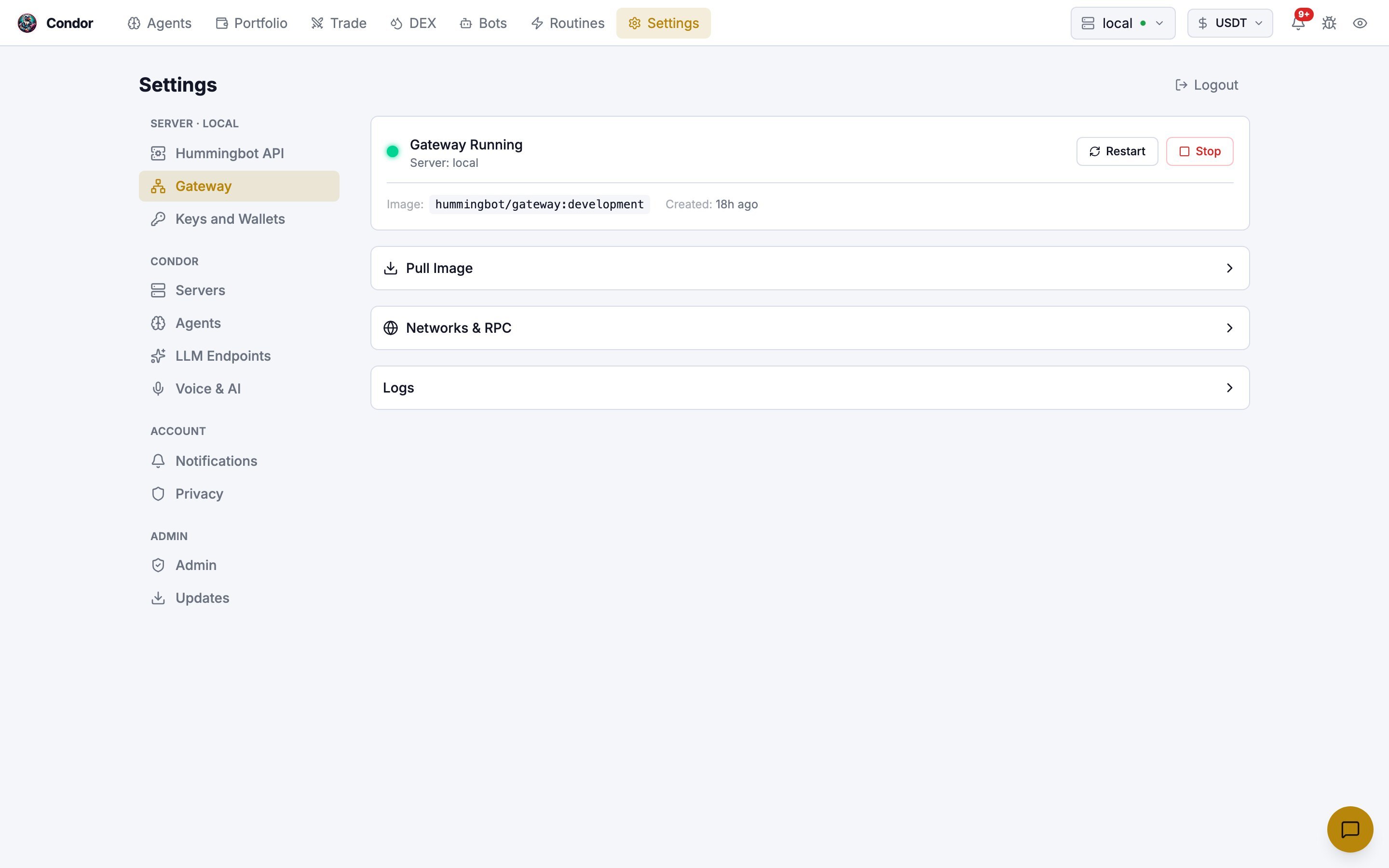
mainnet-beta. Public RPCs are heavily rate-limited.2
A Solana wallet in Gateway
In Settings → Keys and Wallets, click Add Wallet, choose Solana and paste the wallet’s private key. Use a wallet that holds only what you’re prepared to put into LP positions.
3
SOL in that wallet
The loop quotes in SOL and swaps into each pool’s token itself, so SOL is all you need. Keep extra SOL for transaction fees and position rent: each Meteora position locks about 0.057 SOL, which is refunded when it closes.
4
A model the agent can run on
The agent’s model is shown next to its name on the agent page. See LLM Integration.
How the loop works
Every 300 seconds by default, the agent:- Checks its open slots. It exits a slot when its net PnL reaches the take-profit or stop-loss, or when the price has been outside the position’s range for longer than
out_of_range_max_sec. - Ranks pools, if a slot is free. The
lp_scannerroutine pulls trending Solana pools from GeckoTerminal, drops pools under $25k TVL, and ranks the rest by fee yield (24h fees ÷ TVL). - Fills one slot. It swaps SOL into the pool’s token with a market order through Jupiter (unless the slot is SOL-only), then opens an LP executor on the top pool it doesn’t already hold. It fills at most one slot per tick.
- Journals the decision.
Configure it
The loop’s settings live in itsloop.md. The Start dialog doesn’t show them; open the Playbook tab on the agent page, click edit on loop.md and change default_config.
The loop’s
risk_limits block lists min_wallet_sol_reserve and max_open_slots, but Condor’s risk engine doesn’t recognize those fields and ignores them. Keep a SOL buffer in the wallet yourself, and use slots to limit positions.Start the loop
1
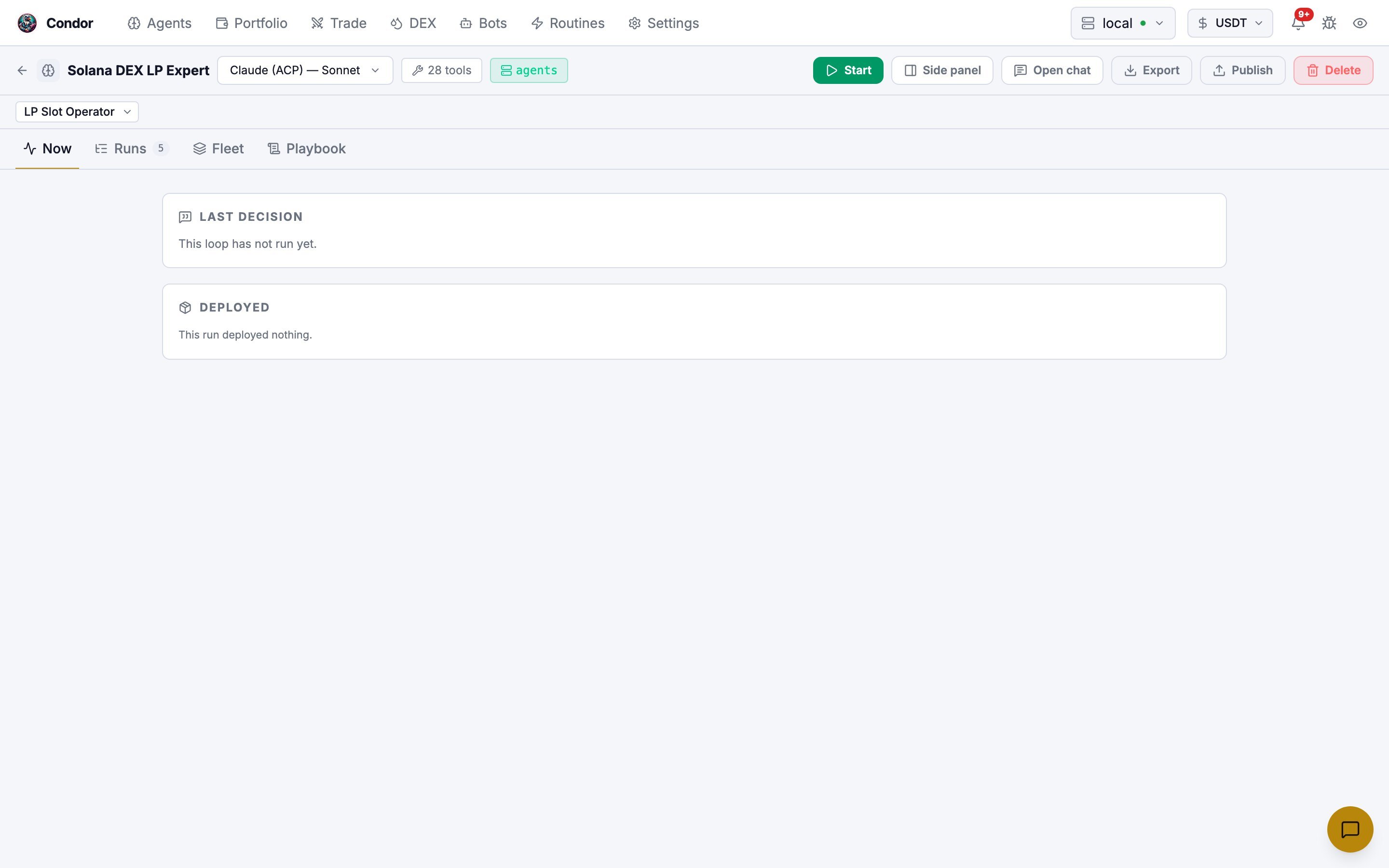
Open the agent
Open
/agents/solana_dex_lp_expert and make sure LP Slot Operator is selected under the agent’s name.2
Do a Dry Run
Click Start, choose Dry Run and click Run Dry Test. One tick runs with every action refused. Read the result in the Runs tab.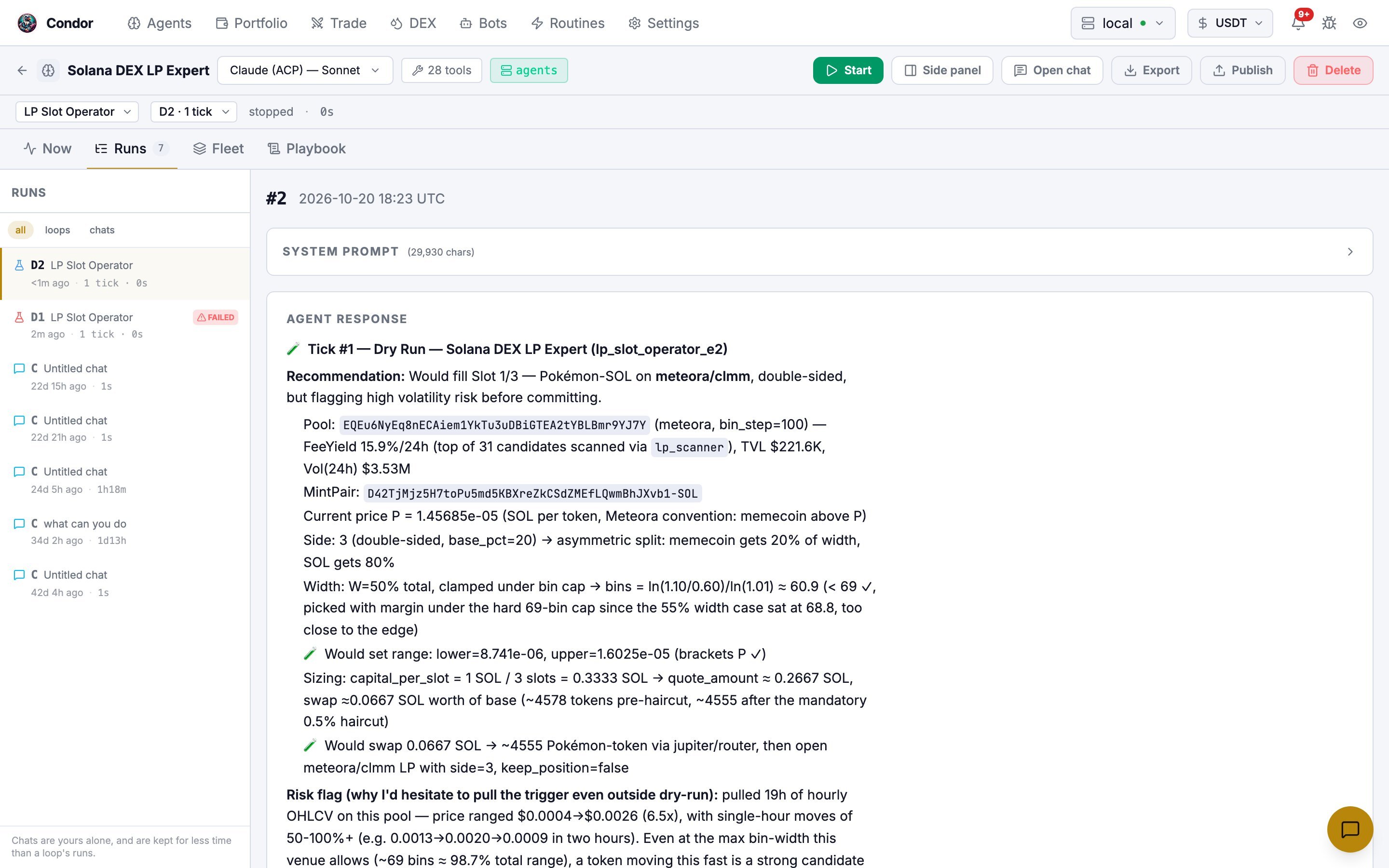
A dry run also refuses routines, so
lp_scanner doesn’t run and there’s no pool ranking. It confirms the agent can reach Gateway and read your wallet. If the wallet has no SOL, it reports that no slot can be filled.3
Run Once, then Loop
Run Once runs one live tick, which can swap SOL and open a real position. When the result looks right, start again with Loop. Leave Total Amount Quote at its default; this loop sizes positions with
capital_per_slot.Stop it
The emergency shutdown can’t swap leftover tokens back to SOL; the risk gate only allows closing actions during a shutdown. Afterwards, sell any remaining tokens from the pool’s page on the DEX tab (Order tab).
From Telegram
- Send
/agent, tap Talk to and choose Solana DEX LP Expert. - Ask it to start its loop and give the strategy settings. For example: “Start the lp_slot_operator loop with 2 slots, capital_per_slot 0.5 SOL, venues meteora,orca.” Settings you name are applied to that session.
- Approve the confirmation Condor shows before the loop starts.
/stop only cancels the agent’s current reply. To stop the loop, ask the agent to stop it.
Learn more
- LP Executor: how a single position is opened, monitored and closed
- DEX: browsing pools and your LP positions
- Architecture: loops, sessions and the risk engine