> ## Documentation Index
> Fetch the complete documentation index at: https://condor.hummingbot.org/llms.txt
> Use this file to discover all available pages before exploring further.
# Bots
> Deploy, monitor, edit, backtest, and archive long-running Hummingbot bots
The **Bots** page manages long-running, containerized Hummingbot bots — always-on strategies with no LLM in the loop. Five tabs cover a bot's whole life: **Active**, **Runs**, **Editor**, **Backtest**, and **Archived**.
## Active
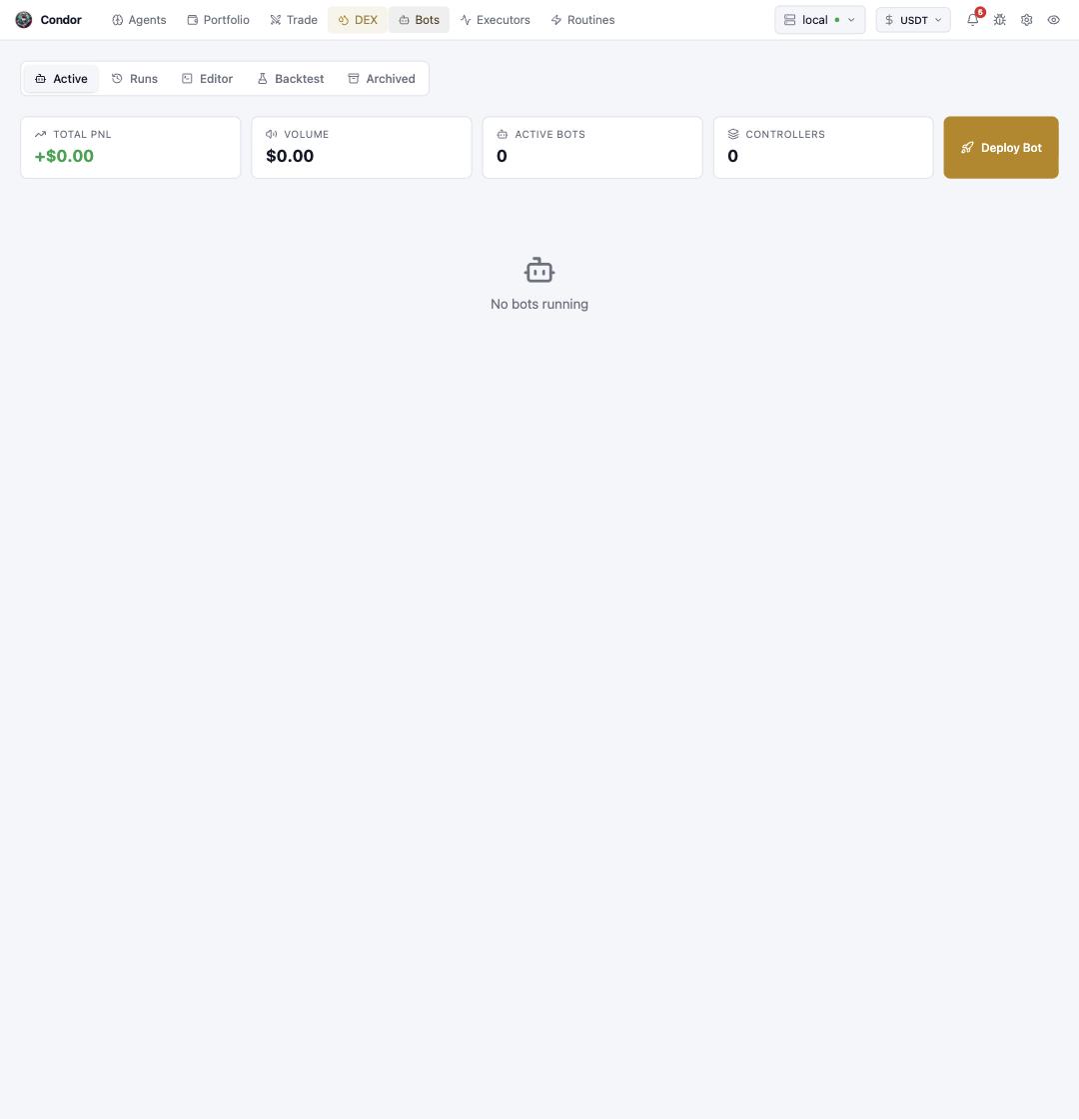
Live bots, with a stat strip for total PNL, volume, active bot count, and running controllers. **Deploy Bot** launches a new bot from a controller config.
 ## Runs
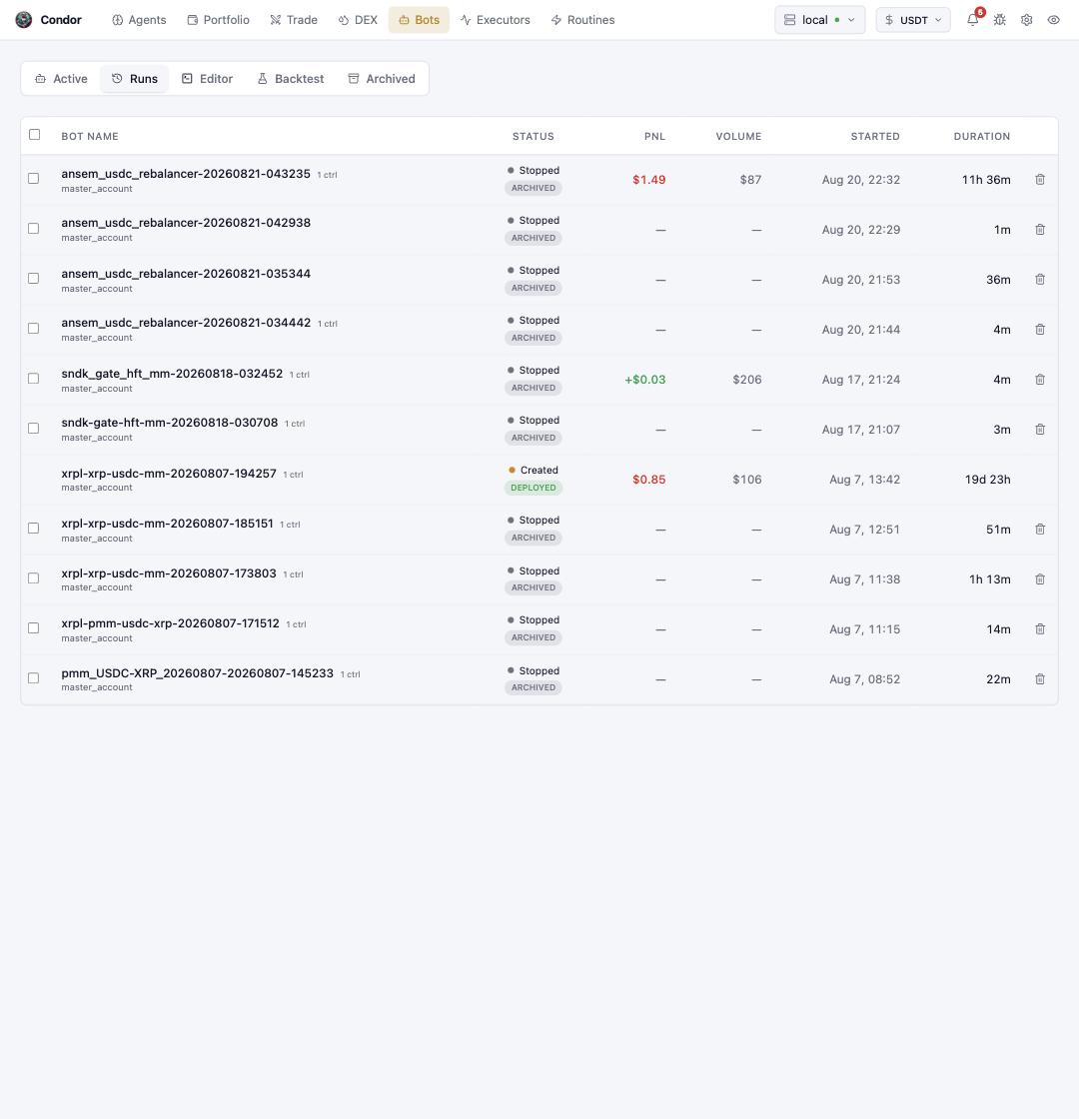
Every bot run, past and present: status (**Deployed** or **Archived**), PNL, volume, start time, and duration. This is the audit trail — click a run to inspect its performance.
## Runs
Every bot run, past and present: status (**Deployed** or **Archived**), PNL, volume, start time, and duration. This is the audit trail — click a run to inspect its performance.
 ## Editor
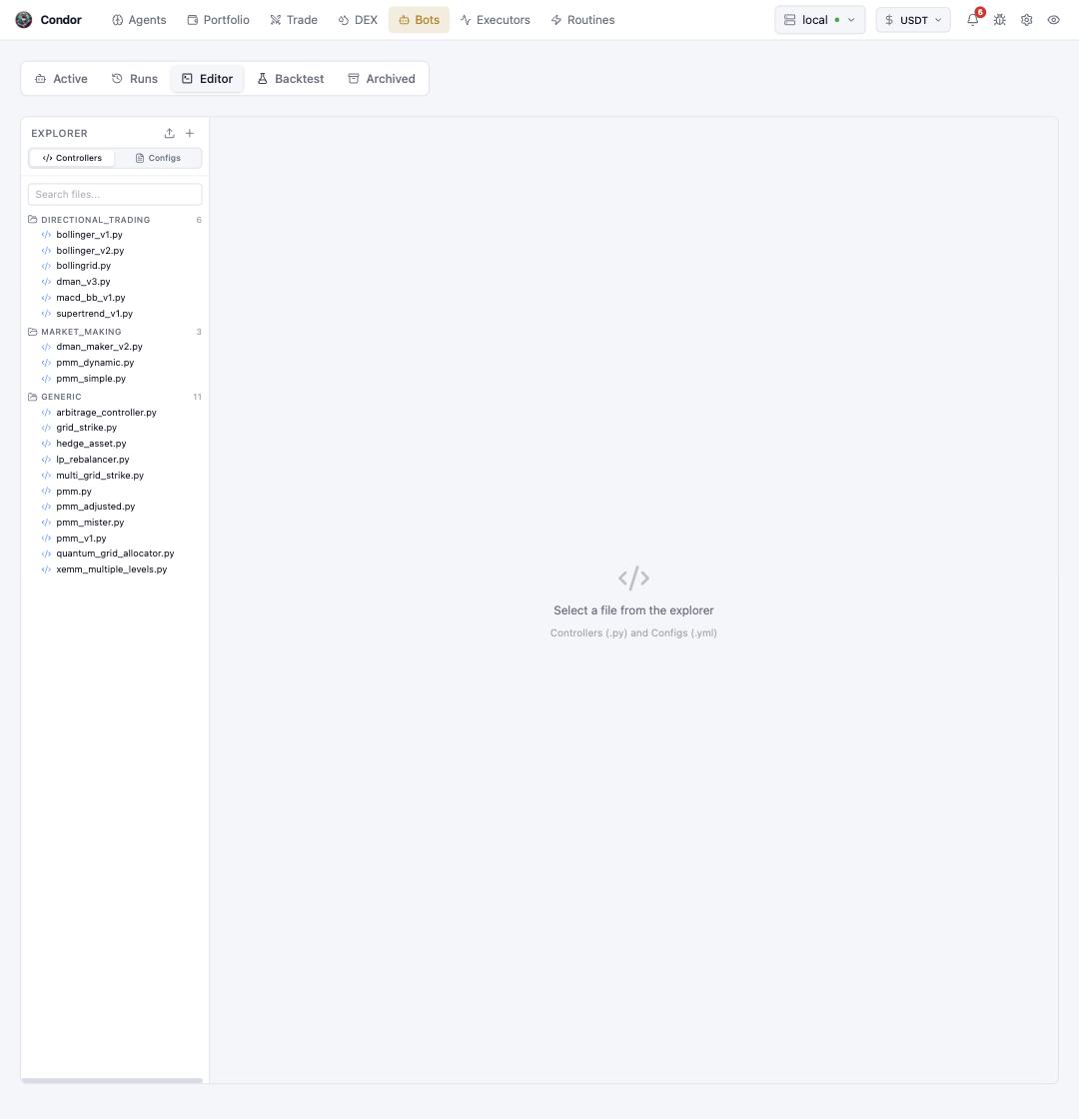
A code editor for the strategy files on the server: **Controllers** (`.py`, grouped into directional trading, market making, and generic) and their **Configs** (`.yml`). Edit in the browser, save to the server, and the next deploy uses your version. New files and uploads happen from the explorer header.
## Editor
A code editor for the strategy files on the server: **Controllers** (`.py`, grouped into directional trading, market making, and generic) and their **Configs** (`.yml`). Edit in the browser, save to the server, and the next deploy uses your version. New files and uploads happen from the explorer header.
 ## Backtest
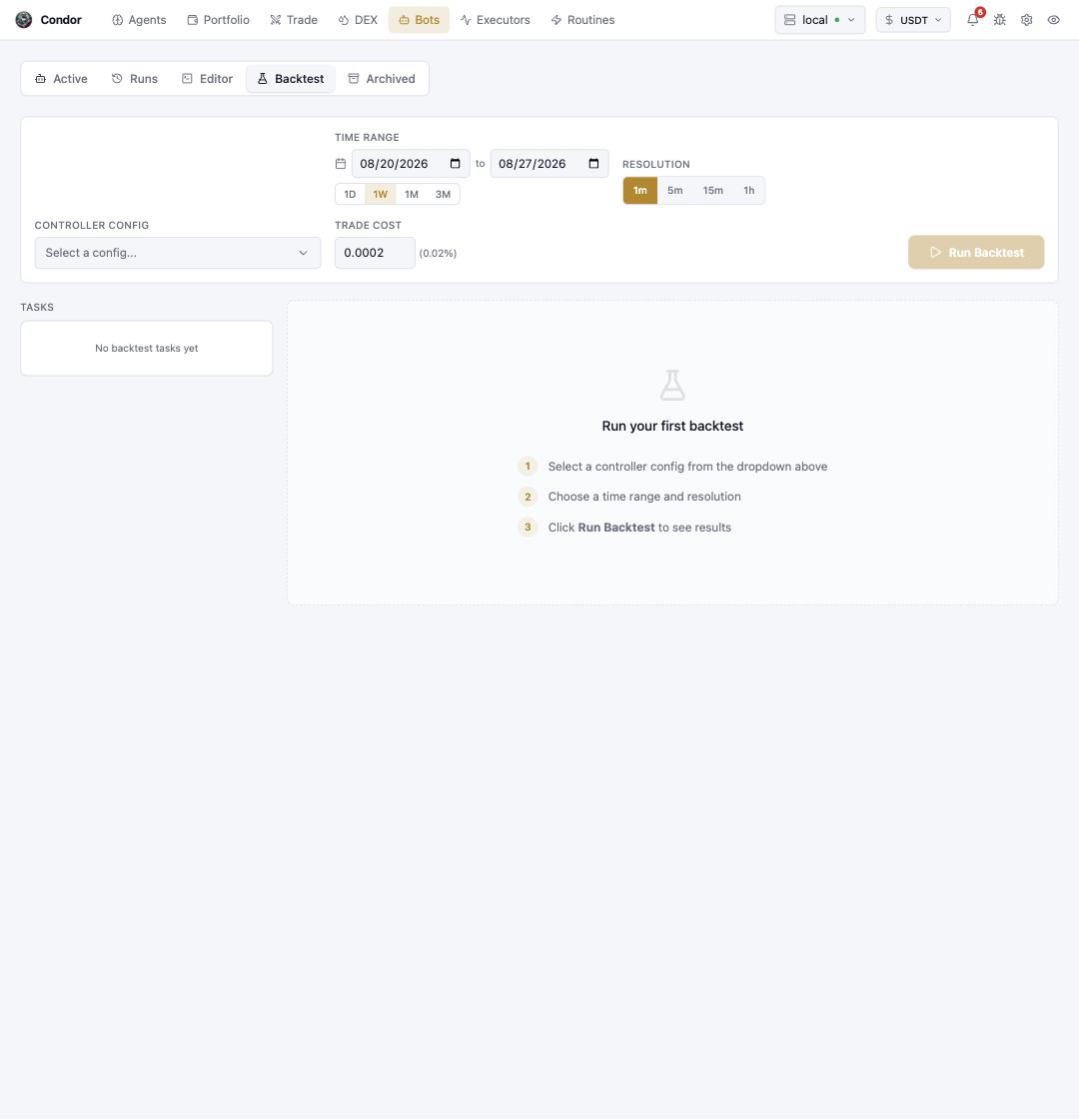
Replay a controller config against historical candles before it touches capital: pick the config, a time range (`1D/1W/1M/3M` presets), candle resolution, and a trade cost, then **Run Backtest**. Runs land in the **Tasks** list with their results.
## Backtest
Replay a controller config against historical candles before it touches capital: pick the config, a time range (`1D/1W/1M/3M` presets), candle resolution, and a trade cost, then **Run Backtest**. Runs land in the **Tasks** list with their results.
 ## Archived
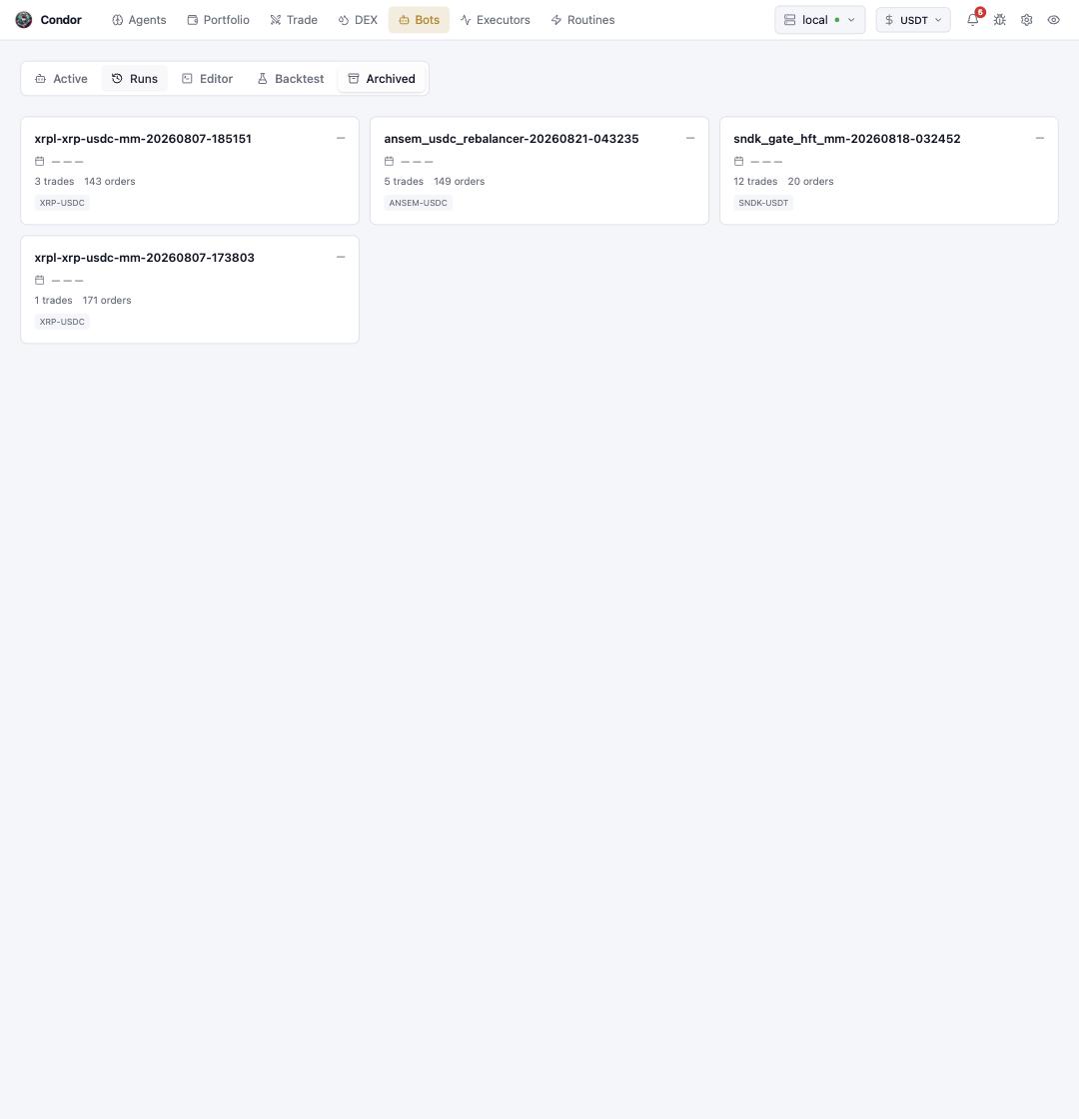
Stopped bots whose databases were archived — each card shows its trades and orders, and opens into the full performance breakdown.
## Archived
Stopped bots whose databases were archived — each card shows its trades and orders, and opens into the full performance breakdown.
 ## Using Telegram
**`/bots`** lists active bots with real-time status and metrics; each bot opens into **📋 Logs**, **📊 Chart**, and **🛑 Stop Bot**, with **📜 Historical** for past runs (stop-and-archive included). **`/new_bot`** walks through creating a bot configuration from a controller.
## Learn more
* [Bots Overview](/bots/overview) · [Controllers](/bots/controllers) · [Scripts](/bots/scripts) · [Backtesting](/bots/backtesting)
## Using Telegram
**`/bots`** lists active bots with real-time status and metrics; each bot opens into **📋 Logs**, **📊 Chart**, and **🛑 Stop Bot**, with **📜 Historical** for past runs (stop-and-archive included). **`/new_bot`** walks through creating a bot configuration from a controller.
## Learn more
* [Bots Overview](/bots/overview) · [Controllers](/bots/controllers) · [Scripts](/bots/scripts) · [Backtesting](/bots/backtesting)